
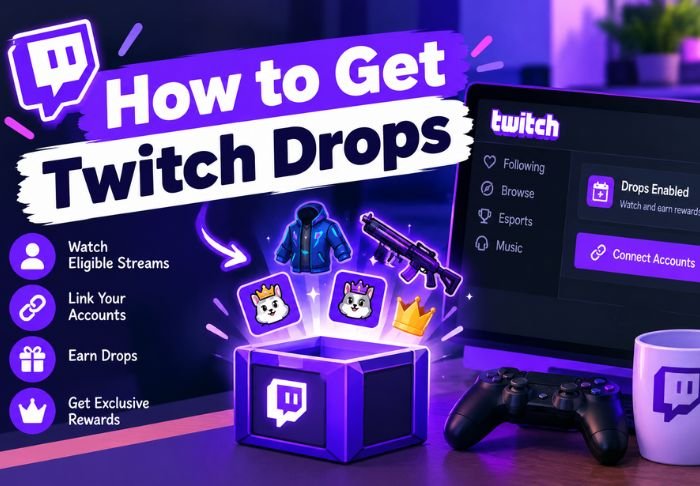
To get Twitch Drops boils down to a few things: linking your game account, watching an eligible stream, and claiming the reward before the time limit. If you miss a single step, you won’t get the drop.
- To get Twitch Drops, you first need to connect your game account to Twitch.
- Only campaign-specific streams count.
- You still need to claim rewards after meeting the requirements.
The rest is just following a couple of simple instructions. For other how-tos like these, be sure to check out TwitchTV, as we go beyond the puzzle twitch!
So what are Twitch Drops?
Twitch Drops are rewards in the form of skins, in-game currency, or other bonuses that viewers can earn by watching eligible streams that are part of a promotional campaign run by Twitch in collaboration with game developers.
A few things worth knowing before finding out how to get Twitch Drops:
- Drops are game-specific and not campaign-specific
- Rewards vary from campaign to campaign
- Some require a certain watch time, while others need a cumulative watch time
How do you link your game account to Twitch?
Usually, this is a one-time setup per game. Before anything else, your game account needs to be connected to Twitch since drops can’t be delivered without this link.
The general process:
- Go to the game publisher’s account connections page (varies by game)
- Log in to your game account and your Twitch account when prompted
- Authorize the connection
This is where a lot of people get stuck when it comes to the process of how to get Twitch Drops. Viewers sometimes watch qualifying streams for hours and are confused as to why they are not getting drops. This is usually because their accounts are not linked.
How do I find streams that have drops?
Not all streams for a game within a campaign include drops. There are certain channels that are tagged by Twitch that include drops for that campaign. These are usually identified beforehand.
To find eligible streams for a campaign:
- Visit the game’s category page on Twitch and look for the “Drops Enabled” tag
- Look for the Drops icon in a stream’s title or channel info
- Go to the official campaign page and look for participating channels
How do you get and claim drops?
Typically, if your accounts are linked and you’re watching an eligible stream with drops, the drops will be tracked automatically. However, claiming them usually requires manual action.
The usual process looks like this:
- Watch the required amount of time on an eligible stream
- Go to your Twitch inventory (profile icon > Drops & Rewards)
- Click “Claim” next to the reward
A common issue when trying to get Twitch Drops is forgetting to claim the reward after meeting the watch time requirement.
What Happens if Drops Don’t Show Up?
If you think you’ve met the requirements and are still missing your reward, the problem is probably with your account, not with the stream. A few quick steps can solve the problem.
- Check to see if the stream was Drops-enabled
- Make sure you were logged in to Twitch the whole time you were watching
- Refresh your Drops inventory
Most of the time, missing rewards can be fixed with these steps. Most issues people have with Twitch Drops are with the process rather than the system itself.
Conclusion:
If you want to get Twitch Drops, you have to link your game account and watch a stream that is Drops-enabled. Then you have to claim the rewards. If you skip any of these steps, Drops won’t appear. For other Twitch-related guides, check out TwitchTV.
FAQs:
Q: Will Twitch Drops expire?
Yes, they usually have a time window to claim rewards. So you should check your inventory and claim rewards as soon as possible.
Q: Can you earn Drops while watching from your phone instead of your computer?
Yes, Drops are usually earned the same way whether you are on desktop or mobile.
Q: Can you earn Drops while multitasking and not fully watching?
Usually, you need to have the stream visible and in focus. Enforcement of this rule varies slightly between platforms.
Q: Can you earn Drops from multiple streams?
Yes, you can earn Drops for a campaign from multiple streams. Watch time is usually counted toward a drop requirement cumulatively.
Q: Can you earn Drops for all games on Twitch?
No, you can only earn Drops for games that have a developer-run campaign. Not all games on the platform have campaigns.
Also Read: How to Check Who Is in Twitch Chat With PotatBotat

Leave a Reply