
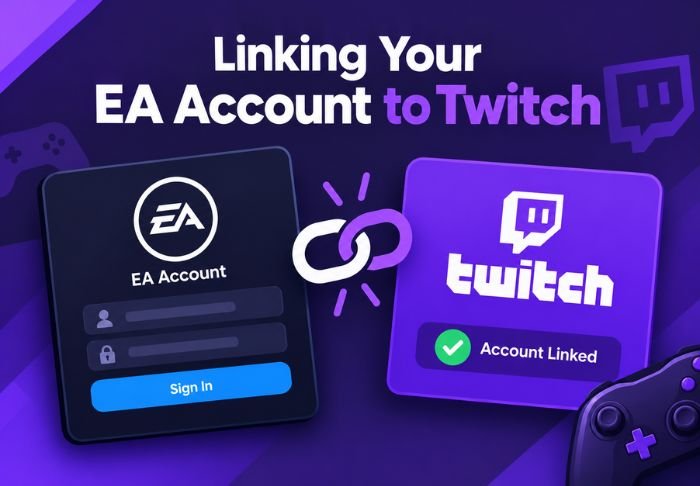
Linking your EA account to Twitch is beneficial for claiming in game drops during promotional streams. This is especially useful if you want to claim drops for Apex Legends. The process is fairly simple once you know which settings page you have to use.
- Linking Your EA Account to Twitch Happens on EA’s End
- This is required for claiming Twitch Drops for EA games.
- You can easily unlink your accounts if needed.
This is a one time setup that you don’t need to do frequently. Beyond the daily TwitchTV, this site provides coverage for different topics and offers straightforward ways tos like this one.
When Would You Need to Link Your EA Account to Twitch?
The main reason for needing to do this is to claim Twitch Drops. These are rewards you can get by watching streams for promotional events. Apex Legends has many of these events.
- There are a few other scenarios.
- During special campaigns for Apex Legends, you can earn in game rewards.
- If you want to attend special viewing events that are sponsored by EA, you will also need to link your accounts.
To do any of the above you have to link your EA and Twitch accounts. Otherwise Twitch will not be able to recognize that you’ve met the watch time requirement.
Where Do You Find the Link Your EA Account to Twitch Option?
This is managed by EA themselves. This catches a lot of people off guard because a lot of people expect to see the option on Twitch’s accounts page.
To begin:
- Go to EA’s Official Account Connections Page
- Log in to EA Account if prompted
- Find Twitch in the list of linkable platforms
Here, EA will guide you through authorizing the connection on Twitch’s side as the next step.
What are the exact steps to Link Your EA Account to Twitch
Account?
Once Twitch is found on EA’s Connection’s Page, the actual linking process is very short and involves basically just giving Twitch permission.
The process looks like this:
- On EA’s Account Connection’s Page, click the Link button for Twitch.
- You may be directed to Twitch and prompted to log in.
- You will then see a prompt to allow EA to access your Twitch Account.
- Once authorized, you will be sent back to EA to see that the accounts are connected.
The connection will be active unless manually removed, so you will not need to repeat these steps for future drop campaigns.
How do you know the link worked?
The EA Account Connection’s Page will indicate that Twitch is connected and may display a check mark or some other indicator to show that the association has been made.
There are other ways to check:
- Check your EA Account Connection’s Page to ensure Twitch is linked
- Watch a stream that is eligible and check your Twitch inventory for drops
- Check in game for rewards that require watch time
How do you unlink accounts later?
If you no longer want your accounts connected, you can easily remove the link. This may be the case if you are switching your Twitch account or if you no longer want to take part in drop campaigns.
To unlink:
- Go to the EA Account Connections page and find Twitch in your list of connected accounts.
- Select disconnect or unlink.
Unlinking accounts will not impact rewards that have already been claimed. Items that have been redeemed will remain on your account even if the connection is removed.
Conclusion: Linking Your EA Account to Twitch
Linking an EA account to Twitch is a short, one-time process handled through EA’s connections settings rather than Twitch itself. It’s mainly necessary for claiming in-game drops during promotional streams. For more clear, practical guides like this, TwitchTV has you covered.
FAQs: Linking Your EA Account to Twitch
Q: Do I need to relink my accounts for every new drop campaign?
No, once linked, the relation stays active for future campaigns unless you manually unlink the accounts.
Q: Can I link multiple EA account to Twitch account?
No, Twitch only allows you to link one EA account at a time per Twitch account.
Q: Will linking EA to Twitch make my personal game data public?
No, linking EA to Twitch will not make your personal game data public. It only allows drop tracking and rewards.
Q: What happens if I unlink before claiming a reward?
Any drops related to that connection will be removed and will not be claimable.
Q: Is it free to link EA Account to Twitch?
Yes, linking EA to Twitch is free. You don’t need to have Twitch Prime or a subscription for it.
Also Read: How to Get Twitch Affiliate

Leave a Reply