
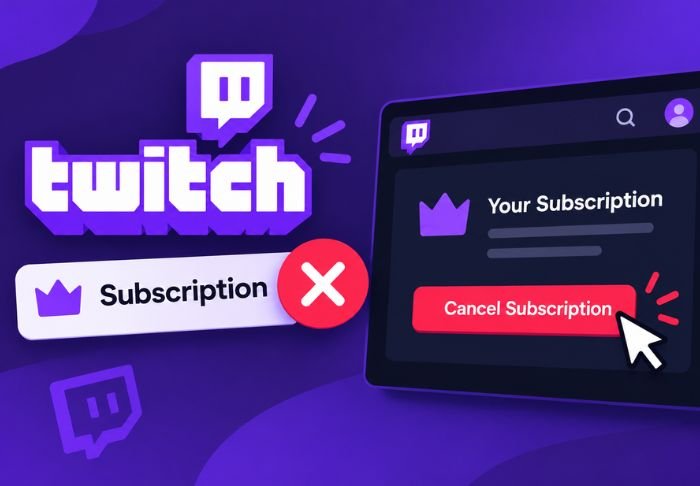
Knowing where to find the setting to cancel your Twitch subscription is the hard part. Stopping auto-renewal is what the vast majority of people want to do, and it’s a relatively quick process.
- Canceling your Twitch subscription won’t affect your access immediately.
- You can still keep your sub perks until your current billing cycle ends.
- Gifted subs can’t be canceled the same way as self-subs.
It’s an easy on/off switch. For more practical how-to’s, news and updates for the TwitchTV is available.
Where do you go to cancel a Twitch subscription?
Subscription management is located in your account settings, and not on the channel page, which is where a lot of people look first. You will have to be logged in to the account that has the subscription.
To get to the account settings:
Click your profile picture in the top right corner
Select Subscriptions from the drop down menu
From here you will see a list of subscriptions and renewal dates. You can also manage your individual subscriptions if you are subscribed to multiple channels.
What are the exact steps to cancel your twitch subscription?
From the Subscriptions page you can see all the subscriptions you have, and cancel the ones you do not want by clicking the “Cancel Subscription” button. You can also manage your individual subscriptions if you are subscribed to multiple channels.
The process is:
- Go to account settings > Subscriptions
- Select the channel subscription you wish to cancel
- Click “Manage” or the 3 dots next to it
- Select “turn off auto-renewal”, or a similar option to cancel
If you see the option to cancel, it means you’re not actually trying to cancel and Twitch wants to confirm.
Do You Lose Access Immediately After Canceling?
No. Canceling only stops the renewal and does not remove the access. This means that you can still enjoy the perks like ad-free, badges, and emotes until the access period runs out.
Here’s a few things that are good to know:
- Access is still granted for the full paid month, even after it is cancelled
- No partial refunds are done for the remaining time
- Access can be restored at any point by resubscribing
This means that there is no sense of urgency around when you cancel in a given billing cycle, because the perks run out the same way either way.
Is it Possible to Cancel a Gifted Subscription?
It’s not the same process. Gifted subs are one-time purchases, so there’s no auto-renewal to turn off.
Some differences:
- Gifted subs automatically expire after a month, unless the gifter enables recurring gifting.
- You can’t “cancel” a gift sub early. It will run its course.
- Only the gifter can stop a subscription that was set to recur.
If you have a gifted subscription and don’t want it to be renewed, you don’t have to do anything. It will automatically expire after a month, unless the gifter renews it.
What Should You Check Before Canceling?
A few quick checks can prevent confusion after you’ve cancelled, especially if you subscribe to a lot of different channels or use a linked payment method in other places.
It’s good to check:
- If the subscription is connected to Amazon Prime (Prime Gaming subs work differently)
- If you cancelled the correct channel, especially if there are similar names
- Your renewal date to know when access will be lost
Prime Gaming subs are managed by Amazon, not Twitch, so cancelling one will require a different process.
Conclusion: cancel twitch subscription
You can easily cancel a Twitch subscription through your account settings. Access will be kept until the current billing cycle is completed. If a Prime Gaming sub is linked, or it’s a gift sub, the process to cancel will be different, so that’s worth checking first. For step-by-step guides, TwitchTV has you covered.
FAQs: cancel twitch subscription
Q: Will I get a refund if I cancel mid-cycle?
No, Twitch does not issue partial refunds. Access will be kept until the current billing cycle is completed.
Q: Can I resubscribe after cancelling twitch subscription?
You can resubscribe at any time; however, your sub streak may reset if you wait too long.
Q: How do I cancel a Prime Gaming subscription on Twitch?
You will have to manage your Prime Gaming subs through your Amazon account.
Q: Does cancelling remove my subscriber badge immediately?
No, your badge and perks will remain active until your paid period ends.
Q: Can a streamer see that I canceled my twitch subscription?
No, they will not be notified individually.
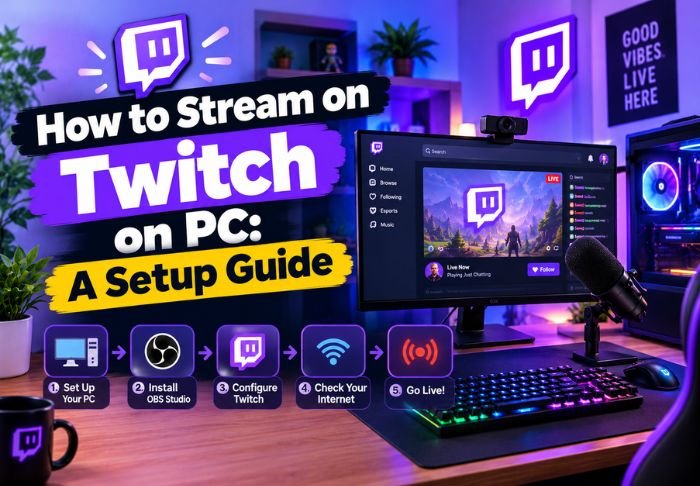
Also Read: How to Twitch Stream on PC: A Setup Guide

Leave a Reply